This morning I received an email nobody wants to open: Google warned that some of my saved passwords had been exposed online.
I checked the warning directly in Google Password Manager. It was not an alert about a compromise of my Google account. It was more troubling: several credentials I use or had used with internet providers were marked as compromised.
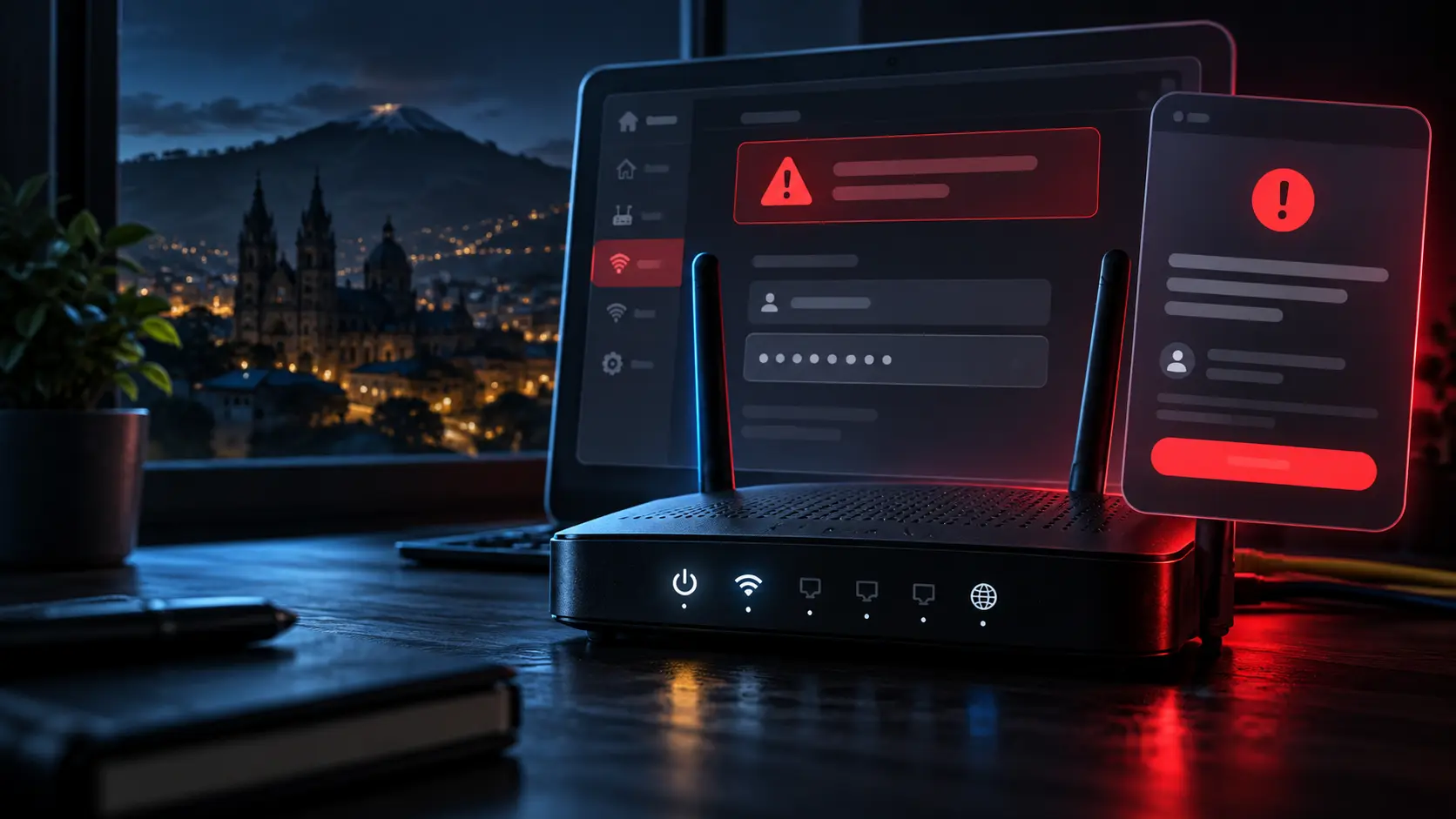
The image is an editorial recreation. It does not contain real usernames, passwords or personal information.
The screenshot that raised the alarm
One of the reviewed credentials was associated with a CNT router administration screen. The interface is on the local network and shows an installation user and an administrative password flagged as vulnerable.
We will not reproduce that password. Publishing a potentially active credential is not journalism; it could help spread a security risk.
The concern is not the exact username and password. It is the pattern: an administrative login that appears to have been reused in more than one context and is now associated with a database of exposed credentials.
That is where the problem begins.
Does this mean every router in Ecuador is compromised?
No such conclusion is supported by the available evidence.
A Google Password Manager warning means a username-and-password combination has appeared in breach-related information or has been identified as unsafe or reused. Google makes clear that this does not necessarily mean a Google account itself has been hacked.
The warning also does not establish the source of the exposure. It could originate from a provider portal, an installation device, a reused password on another service or an old published dataset.
Still, one pattern deserves attention: several credentials linked to connectivity providers appeared among the warnings. When the same user or a similar password is used in multiple systems, an individual alert becomes a question about operational design.
Three possible explanations
At least three scenarios are plausible:
User password reuse. The same password was used for a provider portal, Wi-Fi, the router’s administration panel or other services. An unrelated breach could then expose several accounts.
Repeated installation credentials. Some devices may ship or be configured with service accounts, defaults or passwords that remain unchanged for years. Reusing the same combination across many devices could magnify a breach.
An old dataset that remains valid. Google may identify credentials exposed long ago. If nobody required a password change, an old dataset may still represent a current risk.
None of these explanations proves that CNT suffered a widespread intrusion. All of them justify reviewing configuration and requesting answers from the provider.
From one leaked password to a vulnerable home network
A router’s administrative password is not the same as its Wi-Fi password.
An administrative password may grant access to device configuration. Depending on the model and permissions, that could include changing the wireless network name or key, modifying DNS servers, creating port-forwarding rules, adding administrators or disabling security controls.
If the panel is only accessible on the local network, an attacker would first need access to that network. If remote administration is exposed to the internet, the risk is more serious. A single screenshot cannot establish which situation applies. Each model, firmware version and management policy must be checked.
The debate should not stop at “look at this leaked password.” The better question is: how many devices share an administrative credential, and how many can be managed from outside the local network?
What we know—and what we do not
| Evidence supports… | Evidence does not yet establish… |
|---|---|
| Google flagged saved credentials as exposed | That this incident involved a hack of Google or CNT |
| A screenshot shows administrative access to a router associated with CNT | That all CNT routers use the same credentials |
| Several provider-related credentials appear in the warning | That all routers in Ecuador are exposed or compromised |
| There is sufficient reason to rotate passwords | That an intrusion has already occurred on a specific network |
These distinctions matter. Security reporting becomes misleading when an alert is presented as forensic proof. It also becomes irresponsible when a potentially serious warning is dismissed simply because no official announcement has been made.
What to do if you receive a similar warning
Do not follow an unexpected email button. Instead, navigate directly to Google Password Manager and run the password check. Google recommends changing compromised credentials promptly and using a unique password for each account.
Then:
- Change the router’s administrative password and Wi-Fi password separately. Do not reuse either for your provider portal, email or social networks.
- If the router is managed by your provider, request rotation of the service credential and ask whether the same key is used for multiple customers.
- Disable remote management from the internet when it is not needed. Review Telnet, WPS, port forwarding, DNS servers and unfamiliar administrator accounts.
- Update the router firmware or ask the provider to confirm the installed version and support lifecycle.
- Change other accounts that reused the same password. Enable multifactor authentication wherever possible.
- Keep screenshots for reporting, but never publish usernames, passwords, customer account numbers or full addresses.
If the provider does not respond, report the concern through the relevant support or incident-response channels. EcuCERT maintains a public alert library useful for tracking reported threats in Ecuador.
Responsibility cannot rest entirely on the user
Telling people simply to “change the Wi-Fi password” is insufficient if the underlying issue could involve an administrative credential supplied by the operator.
Providers should assign unique access credentials to each device or customer, require installation-password rotation, disable remote administration by default, remove unnecessary service accounts and maintain an inventory of vulnerable devices and firmware versions. They should also provide clear reporting channels and communicate remediation steps.
CNT publishes guidance on network and service security. The next step is to translate that guidance into verifiable configurations on customer equipment.
A warning is not a verdict, but it is a reason to investigate
We do not know whether a nationwide leak of router administrative credentials exists. There is no sound basis for claiming that a single password can unlock every router in Ecuador.
What we do know warrants action: Google detected exposed credentials, a screenshot shows administrative access marked as vulnerable and several provider-related accounts appeared in the review.
That does not prove a mass attack. It does show why continuing to reuse passwords and hoping for the best is a poor security strategy.
The router is the gateway to the connected home. If its administrative key appears online, the response should not be publicizing it; the response should be rotation, auditing and asking the provider why the key was used in the first place.
Editorial note: this article documents a personal warning and a screenshot supplied for analysis. It does not claim that CNT, other providers or all routers in Ecuador were compromised. Any visible credentials in the source material were deliberately omitted.